PaxxTouch Web Flasher
Flash PaxxTouch Remote to BTT K-Touch / PandaTouch
Wireless U1 panel mirror with multi-printer support.
loading…
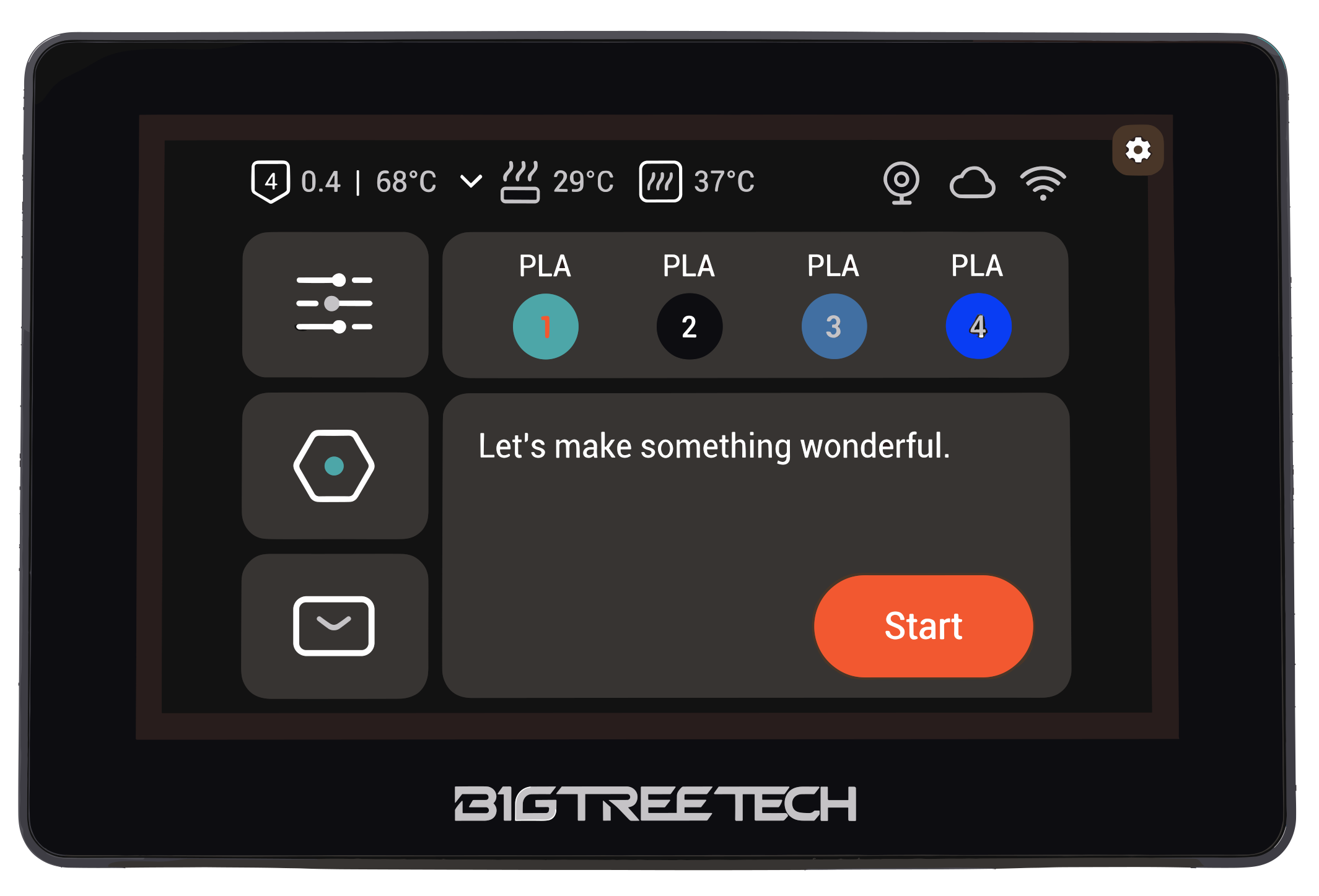
Features
- Remote Screen
- Multi-Printer Support
- Touch Control
Requirements
- Use Google Chrome or Microsoft Edge on desktop (Web Serial API).
- This page must be served over HTTPS (GitHub Pages works).
- Connect the K-Touch / PandaTouch with a USB-C data cable to your PC.
- If the device is not detected, reboot it with the slider switch on the back, then connect again.
Firmware source
Loads paxxtouch-*.bin via jsDelivr CDN (CORS-safe from GitHub Pages).
Click Reload firmware after a new release is published.
Use files from pio run build output (or a release zip):
Build with: pio run -e paxxtouch-remote-arduino-3x - files in .pio/build/paxxtouch-remote-arduino-3x/
Flash
Uses 115200 baud and uncompressed writes for CH340 USB bridges. Takes ~2-3 minutes - keep the cable still.
Disclaimer: PaxxTouch is not responsible for damage to your device. Flashing third-party firmware may void your manufacturer warranty. Proceed at your own risk.
After flashing
- Disconnect USB (or tap Reset if the screen stays blank).
- Tap the gear icon (top-right) → WiFi Setup and connect to your LAN.
- Gear → Printer Manager - add a printer (name + IP), or edit the active slot. Up to 8 printers in a 2x4 grid.
- On the U1: enable Remote Screen in firmware-config and reboot if prompted.
- The device opens a fullscreen mirror of the U1 panel. Switch printers anytime from Printer Manager.